Windows 10 end of support hits Oct. 14 — what Californians and businesses must do now
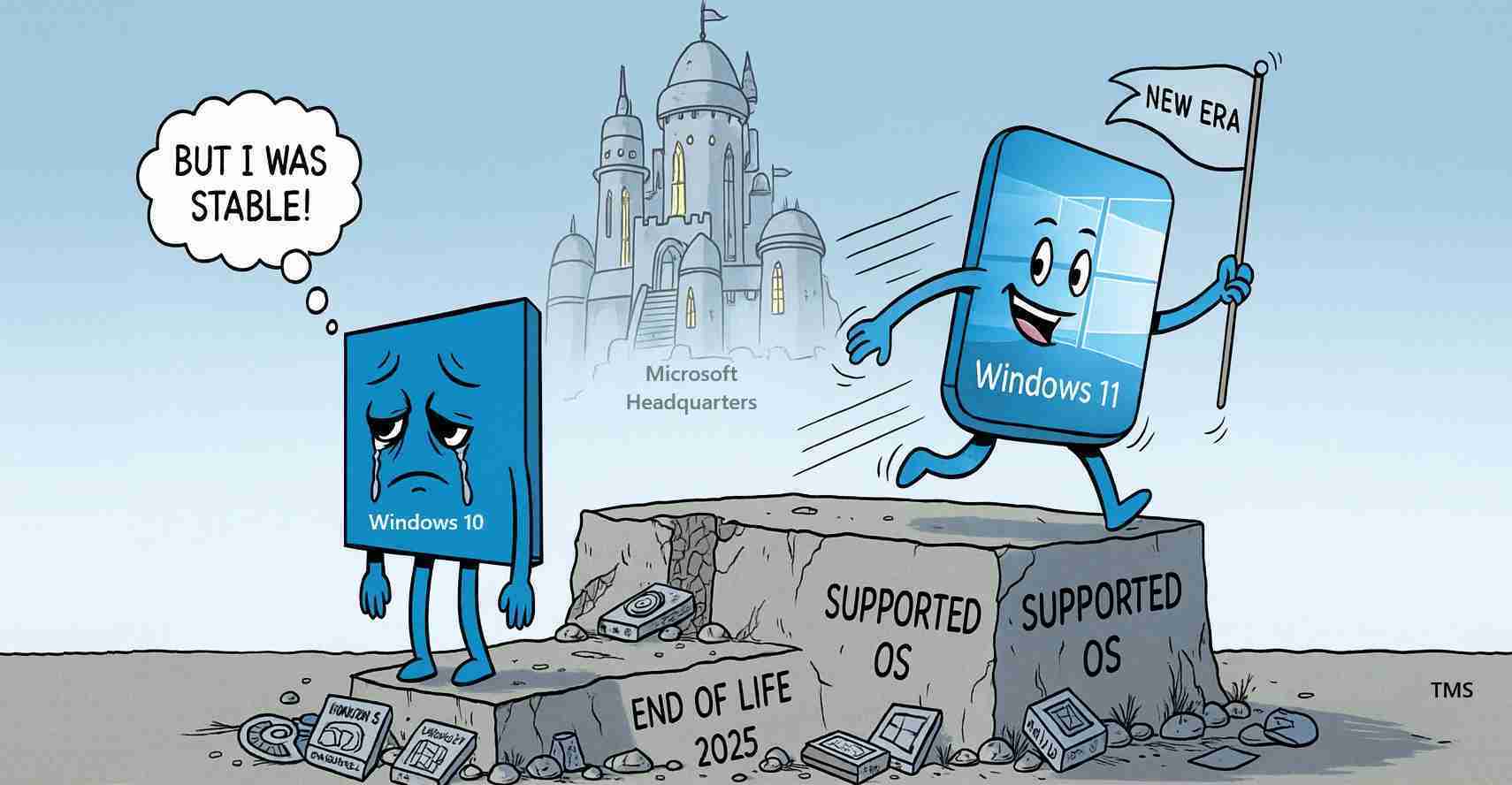
On October 14, 2025, Microsoft ended free support for Windows 10, stopping security updates and technical assistance for millions of devices; users must now upgrade to Windows 11, replace hardware, or purchase paid Extended Security Updates to remain secure.
- End of free support: Windows 10 support ends on October 14, 2025, halting free security patches and technical assistance.
- Who is affected: All Windows 10 editions — Home, Pro, commercial and educational — on any device type (Windows end of support).
- Options now: Upgrade to Windows 11 where hardware permits, replace older machines, or enroll in Microsoft’s paid Extended Security Updates (ESU) through Oct. 13, 2026.
Key information
What happened: Microsoft officially ended free support for Windows 10 on Oct. 14, 2025 — see Windows 10 support ends on October 14, 2025 and the company’s broader Windows end of support guidance.
Who is affected: Every Windows 10 edition — Home, Pro, commercial and educational — across desktops, laptops and embedded devices; consult coverage details on Microsoft and trusted tech outlets such as Tom’s Hardware.
Immediate risk: Unsupported systems will not receive security patches, increasing vulnerability to malware, data theft and application incompatibility.
Why support ended and what it means
Microsoft’s lifecycle policy typically provides about a decade of support for major Windows releases. Windows 10, released in 2015, reached its scheduled end of life; Microsoft explained migration steps in its How to prepare for Windows 10 end of support by moving to Windows 11 blog post.
When support ends, Microsoft stops shipping security patches and offering troubleshooting help. The device will continue to run, but over time it becomes a growing liability: unpatched vulnerabilities invite attackers, vendors may stop shipping compatible software, and new drivers may not be provided.
Bottom line: Running an unsupported OS raises security, compatibility and compliance risks; plan migrations accordingly.
Windows 10 security risks to watch for
The most urgent concern is accelerating exploitation of unpatched vulnerabilities. Security updates close holes that prevent ransomware, remote access and data theft; once updates stop, attackers often focus on large, static targets like Windows 10 installations (Tom’s Hardware).
Enterprise and small-business systems that process payments, health records or employee data are especially at risk. Running an unsupported OS can also affect contracts, regulatory obligations and cyber insurance coverage.
Options for users: upgrade, replace or pay for ESU
1. Upgrade to Windows 11. Microsoft recommends moving eligible devices to Windows 11 to continue receiving security patches and feature updates; check compatibility with Microsoft’s PC Health Check tool and requirements such as TPM 2.0 and supported processors (see Windows 10 support ends on October 14, 2025 and the Windows blog guidance).
2. Replace older devices. If hardware cannot run Windows 11, buying a new device often gives better long-term security, modern features and longer vendor support windows (Windows end of support).
3. Extended Security Updates (ESU). Microsoft offers a paid ESU program supplying critical patches through Oct. 13, 2026, mainly for organizations that need more time to migrate; eligibility, pricing and procurement vary — consult Extended Security Updates (ESU).
4. Short-term stopgaps. Back up data, isolate unsupported machines from sensitive networks, maintain third-party security tools, and avoid risky activity — but note these are temporary mitigations, not substitutes for OS patches (Reminder: Windows 10 support ends Oct. 14).
What to watch out for in unofficial reports
There are scattered claims online of continued free updates or extended fixes after Oct. 14, 2025. Many originate in forums and social-video channels and do not reflect Microsoft policy. Community workarounds can be risky and unreliable for home users — for example, some forum threads and videos promise extensions but are unverified (Technibble forum thread; YouTube example (unverified)).
Rely on Microsoft’s official pages and reputable tech outlets for accurate guidance (Windows 10 support ends on October 14, 2025).
Business and institutional impact
Organizations that depend on legacy apps or older hardware face measurable costs. Small businesses, schools and local governments — including those in California — may need to accelerate IT budgets or outsource migrations to avoid operating on unsupported systems.
Some software vendors will begin dropping Windows 10 support, creating application incompatibilities and raising operational risk. IT managers should balance risk tolerance and cost: upgrading eligible machines to Windows 11 is the fastest way to remain supported, while ESU can be a controlled one-year bridge for legacy systems (Extended Security Updates (ESU)).
Practical steps for individuals and businesses
- Backup now: Copy personal and business files to external drives or the cloud before upgrading or replacing devices (Reminder: Windows 10 support ends Oct. 14).
- Check compatibility: Use Microsoft’s tools and vendor guidance to confirm Windows 11 readiness (How to prepare for Windows 10 end of support by moving to Windows 11).
- Isolate and patch: If you must retain a Windows 10 machine, limit its network access, run reputable antivirus software, and apply any remaining updates as you plan migration.
- Budget for replacement: Compare the cost of new, secure devices against ESU fees and the potential cost of breaches (Windows end of support).
Implications for California
Economic: California households, small businesses and tech vendors may see short-term costs; many service providers in the state are prepared to help with upgrades, recycling and device donations.
Political and policy: Local governments and public agencies must weigh cybersecurity responsibilities against tight budgets; running unsupported systems in emergency services, schools or municipal offices raises liability and regulatory concerns.
Social: Vulnerable populations — seniors, low-income households and small nonprofits — are at higher risk because they often rely on older devices. Community centers, libraries and nonprofits should offer upgrade help and device donations to protect residents’ data.
Cultural relevance: Californians’ focus on innovation and privacy may spur modernization efforts and faster adoption of platforms with stronger default security.
Practical steps for Californians: Where to get help
- Start with Microsoft’s official guidance and upgrade tools: Windows 10 support ends on October 14, 2025 and Windows end of support.
- Contact local computer shops or certified Microsoft partners for migration services and bulk upgrade pricing.
- Look for community programs and non-profits that recycle or donate modern devices to qualifying residents.
- If you represent a school or public agency, review ESU options and plan phased migrations with your IT provider (Extended Security Updates (ESU)).
Sources and further reading
- Microsoft — Windows 10 support ends on October 14, 2025
- Microsoft — Windows end of support
- Microsoft Blog — How to prepare for Windows 10 end of support by moving to Windows 11
- Microsoft Docs — Extended Security Updates (ESU)
- Tom’s Hardware — Windows 10 is no longer safe to run
- Marquette Today — Reminder: Windows 10 support ends Oct. 14
- Technibble forum thread (unofficial)
- YouTube example (unverified)
Action items: Back up critical data, inventory devices and apps, prioritize the most sensitive systems for migration, and consult trusted vendors to plan upgrades or ESU procurement.